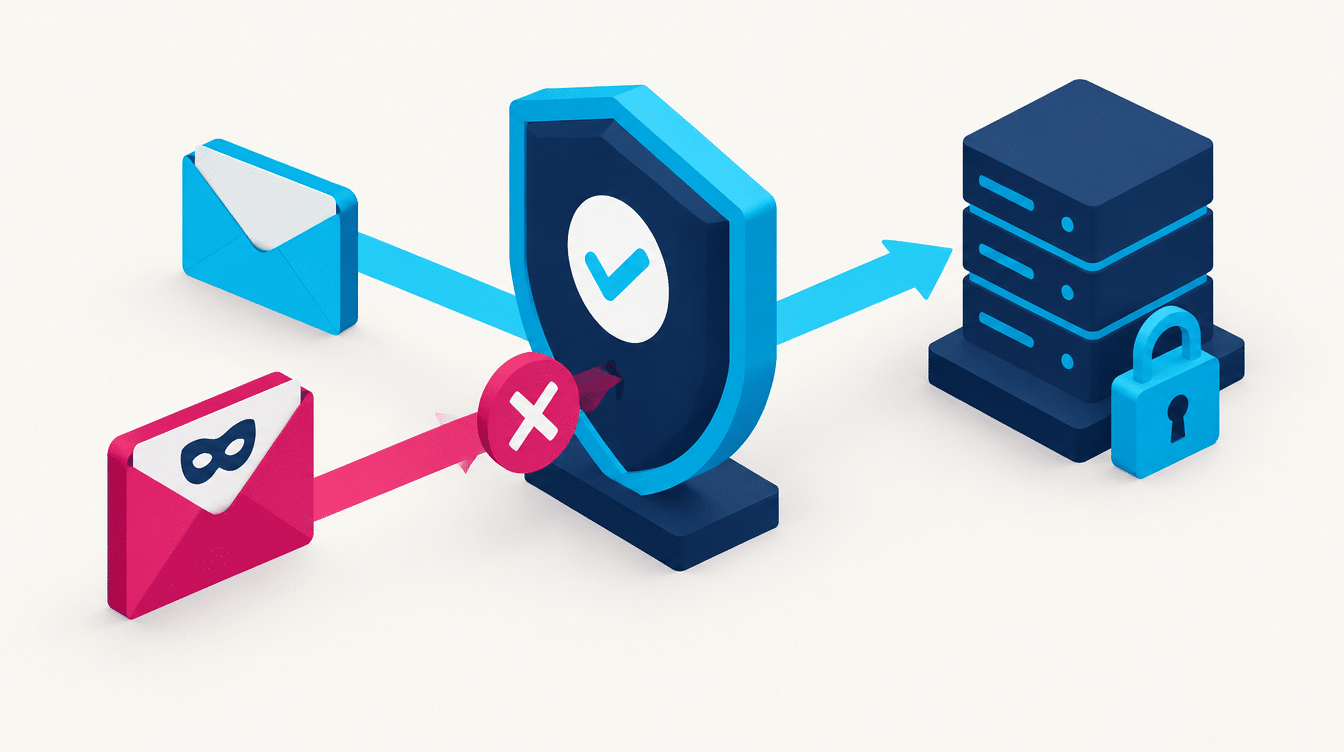
You sent an important email to a client, and it simply never arrived. Or worse: a customer calls, angry about an email you supposedly sent, except you didn’t send anything. Both of these come from the same place: your domain isn’t set up properly for sending email. Three small records, SPF, DKIM and DMARC, decide whether your emails land in the inbox or in spam, and whether anyone can pose as your business at all.
The problem: anyone can send email in your name
Today it’s possible to send an email that looks like it came from your address, without any access to your mailbox. That’s how a lot of scams work: someone emails your customers in your business’s name, asks for a payment or personal details, and they believe it because it looks completely real. Beyond the direct harm to the customer, it damages your domain’s reputation, and Google and Microsoft start flagging your genuine emails as suspicious too. Without protection, both you and your customers get hurt.
SPF, DKIM and DMARC in plain English
The three records work together, and each one has its own job:
Together they tell the world one thing: only we send email from this domain. Everyone else is out.

What happens when it isn’t set up
Without protection, a few unpleasant things happen, sometimes without you knowing at all:
How to tell whether you’re protected
The check is quick. Send an email to a test address and see whether it passes all three checks, or run your domain through a free checking tool. If SPF is missing, DKIM isn’t signing or DMARC isn’t set up, you’re exposed. We run this check for you, without you having to touch anything, and fix whatever is missing.
How we work at DreamZone
We set up all three records correctly in your domain’s DNS, so your emails reach the inbox and nobody can pose as you. After that we monitor the DMARC reports, spot spoofing attempts and close the gaps. It’s part of how we look after your website and digital presence, and it ties straight into the email automation that goes out to your customers, so every email gets where it’s going, whether it’s a personal email or an automated marketing sequence.
Questions and answers
I’m a small business. Is this relevant to me?
Very. Small businesses actually get hit the hardest, because they have no IT department to notice. One setup fixes it for good, and it also saves deals that would otherwise have gone to spam.
Is it complicated to set up?
The setup itself is a few DNS records, nothing you see on your website. It has to be done precisely, though, because a small mistake can end up blocking your legitimate emails. That’s why it’s worth having someone who knows what they’re doing handle it.
I already have SPF. Isn’t that enough?
Not quite. SPF on its own is only part of the story. Without DKIM and DMARC, people can still pose as you, and your sending still isn’t properly protected. All three together is what works.
Does this help with marketing emails too?
Yes, and it’s critical there. Sending to a big list without proper authentication goes straight to spam. With the right setup, your inbox delivery rate jumps, which means more people actually see the email.
How long does it take to kick in?
The records themselves take effect within a few hours. Your domain’s reputation builds up a bit more slowly, but the protection against spoofing works almost immediately.
Are your emails reaching their destination?
We’ll check whether your domain is protected, set up SPF, DKIM and DMARC, and make sure your emails land in the inbox, not in spam. Leave your details and we’ll run a check for you.

Dan Komem is the founder of DreamZone, an Israeli digital agency operating since 2015. He holds a BA from Reichman University and has 25 years of experience in web development and marketing. He specializes in website development, SEO, paid advertising on Google and Meta, AI-powered marketing automation and analytics, and helps businesses build a digital presence that brings in customers.
Dan Komem on LinkedIn →